Radar
Someone who watches the videos for you and tells you the exact minute
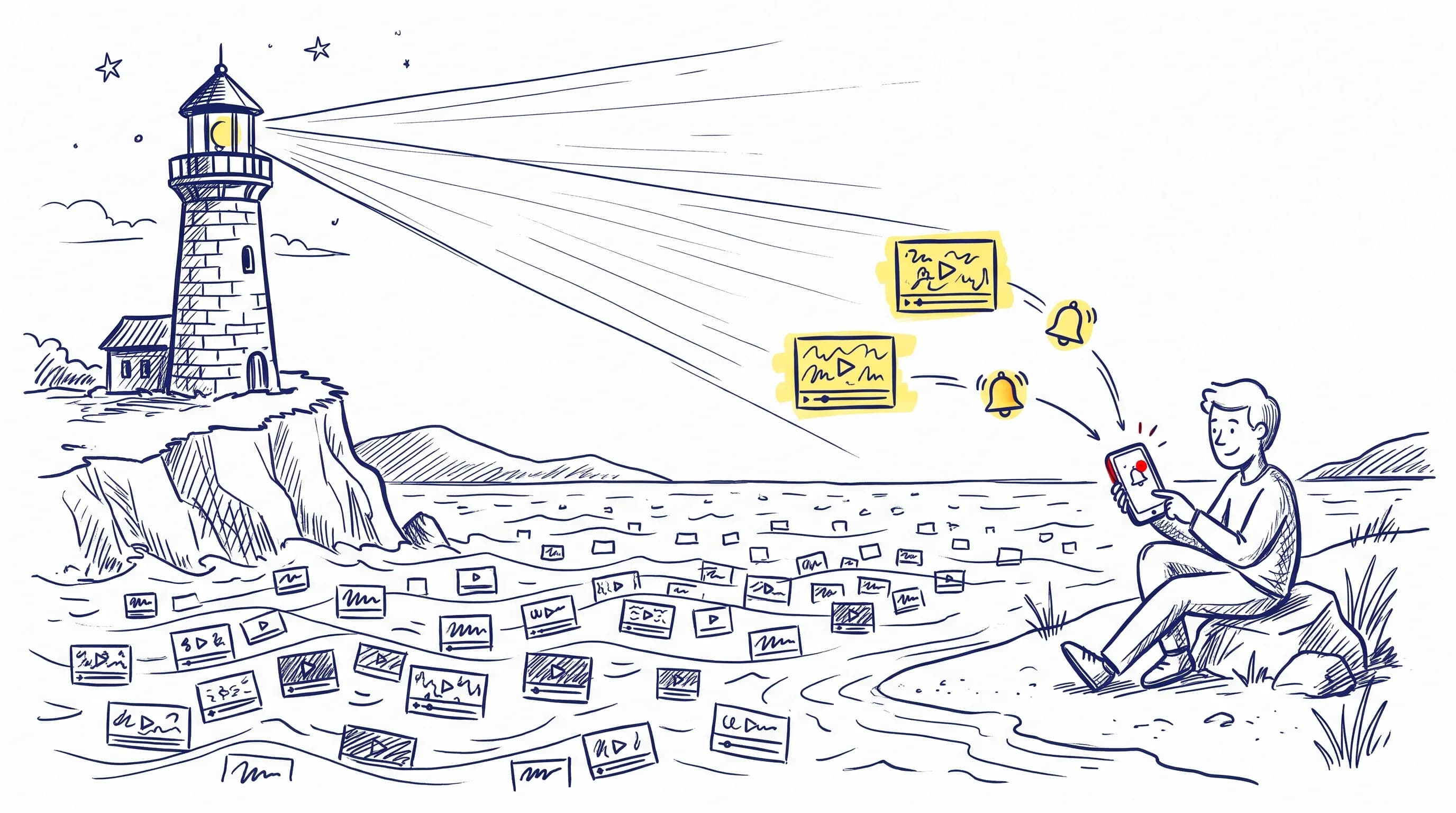
Tell it what matters to you: a topic, a word or a person. The Radar checks every new video from the channels you follow and only alerts you when it really talks about it, with the link that opens YouTube at that minute.
What it is, with an example
Topics that change every week, followed from start to end
Pick a case and see what the Radar alerts, from which channels and at which minute. It is what it will do for you, with the topic you tell it.
Sara follows 12 AI programming channels and cannot watch them all
Watches the word "subagents" and the person "Daniel Ferrer".
- 1
Sara is a developer. Every few weeks a new model or tool for coding with AI shows up and she wants to know every time someone talks about "subagents". She adds it to her Radar as an exact word. She also follows a person: the engineer Daniel Ferrer.
- 2
On Thursday, one of her channels publishes a 52-minute video about how they work with AI a month in. Nobody says "subagents" in the title.
- 3
The Radar reads the transcript, finds the word four times and alerts her with the first one: minute 18:40. Sara taps the alert and YouTube opens right there.
- 4
That same week Daniel appears on a channel Sara does not follow. The Radar tells her: "Daniel Ferrer appears on Code Talks". Watching or importing it is her call.
Coding with AI
Minute 18:40· 4 matchesMy AI workflow, a month later
Appears 4 times; first at 18:40: "each of the subagents gets one part of the task"
Live Code
Minute 3:25· 2 matchesQuestions and answers with Daniel Ferrer
Named at 3:25, when the guest is introduced.
Daniel Ferrer appears on Code Talks: What changes in AI editors this year

Álvaro builds a business with AI and follows 12 founder channels
Watches the word "automation" and the person "Irene Solís".
- 1
Álvaro is building a one-person business with the help of AI. He wants to know every time someone explains something about "automation". He adds it to his Radar as an exact word. He also follows a person: the founder Irene Solís.
- 2
On Tuesday, one of his channels publishes a 44-minute video with the lessons of a year of running a business alone. Nobody says "automation" in the title.
- 3
The Radar reads the transcript, finds the word three times and alerts him with the first one: minute 22:15. Álvaro taps the alert and YouTube opens right there.
- 4
That same week Irene appears on a channel Álvaro does not follow. The Radar tells him: "Irene Solís appears on Founders Today". Watching or importing it is his call.
One-person businesses
Minute 22:15· 3 matchesA year running a business alone: what I would do differently
Appears 3 times; first at 22:15: "automation took away the repeated tasks, not the decisions"
Live Founders
Minute 5:08· 2 matchesQuestions and answers with Irene Solís
Named at 5:08, when the guest is introduced.
Irene Solís appears on Founders Today: How to land your first customers without a team
Nuria runs compliance at her company and follows 12 regulation channels
Watches the word "AI Act" and the person "Javier Montes".
- 1
Nuria handles regulatory compliance at her company and the obligations of the European AI regulation apply in phases. She wants to know every time someone talks about the "AI Act". She adds it to her Radar as an exact word. She also follows a person: the lawyer Javier Montes.
- 2
On Monday, one of her channels publishes a 58-minute video about data protection in business. Nobody says "AI Act" in the title.
- 3
The Radar reads the transcript, finds the expression three times and alerts her with the first one: minute 27:50. Nuria taps the alert and YouTube opens right there.
- 4
That same week Javier appears on a channel Nuria does not follow. The Radar tells her: "Javier Montes appears on Digital Law Daily". Watching or importing it is her call.
Data protection weekly
Minute 27:50· 3 matchesPersonal data at work: what to review
Appears 3 times; first at 27:50: "the AI Act adds obligations that apply in phases"
Live Compliance
Minute 2:40· 2 matchesQuestions and answers with Javier Montes
Named at 2:40, when the guest is introduced.
Javier Montes appears on Digital Law Daily: What companies should prepare this quarter
Raúl runs security at a small company and follows 12 industry channels
Watches the word "ransomware" and the person "Beatriz Roca".
- 1
Raúl looks after IT security at a small company and the threats change every week. He wants to know every time someone talks about "ransomware". He adds it to his Radar as an exact word. He also follows a person: the analyst Beatriz Roca.
- 2
On Wednesday, one of his channels publishes a 47-minute video with the month's incident roundup. Nobody says "ransomware" in the title.
- 3
The Radar reads the transcript, finds the word five times and alerts him with the first one: minute 12:30. Raúl taps the alert and YouTube opens right there.
- 4
That same week Beatriz appears on a channel Raúl does not follow. The Radar tells him: "Beatriz Roca appears on Security Without Jargon". Watching or importing it is his call.
Security for small business
Minute 12:30· 5 matchesMonthly incident roundup
Appears 5 times; first at 12:30: "the ransomware got in through an unprotected backup"
Live Cybersecurity
Minute 4:05· 2 matchesQuestions and answers with Beatriz Roca
Named at 4:05, when the guest is introduced.
Beatriz Roca appears on Security Without Jargon: Passwords, backups and alerts: the weekly basics
Elena follows robotics as a hobby and 12 technology channels
Watches the word "humanoid" and the person "Óscar Pardo".
- 1
Elena follows robotics as a hobby and every week brings a new demo, prototype or promise. She wants to know every time someone talks about a "humanoid". She adds it to her Radar as an exact word. She also follows a person: the researcher Óscar Pardo.
- 2
On Saturday, one of her channels publishes a 41-minute video about what was shown at a technology fair. Nobody says "humanoid" in the title.
- 3
The Radar reads the transcript, finds the word three times and alerts her with the first one: minute 9:15. Elena taps the alert and YouTube opens right there.
- 4
That same week Óscar appears on a channel Elena does not follow. The Radar tells her: "Óscar Pardo appears on Thinking Machines". Watching or importing it is her call.
Tech fair report
Minute 9:15· 3 matchesThe best of the tech fair, in 41 minutes
Appears 3 times; first at 9:15: "the humanoid walked on its own for a few metres before it stopped"
Live Robots
Minute 6:20· 2 matchesQuestions and answers with Óscar Pardo
Named at 6:20, when the guest is introduced.
Óscar Pardo appears on Thinking Machines: What a robot can do at home today
What you can follow
Channels, topics, words and people
The channels you follow
The Radar looks at what your channels publish. If you turn it on for a watch, it also looks for new channels on that topic once a week.
A topic, in your own words
For example "AI agents for coding". It compares the meaning of the video, not just the words, and drops what does not fit.
An exact word
Such as "subagents". It searches the whole transcript, case and accent blind and with no AI, and tells you how many times it is said and at which minute.
A person
Such as "Daniel Ferrer". Their own channels, the videos of your channels that name them and their trail on channels you do not follow: it tells you where they appear and never follows or imports anything unless you ask.
Inside any video you can also search a word and mark every place it is said in one go. Searching is free; saving marks is part of the paid plans.
How it knows what you are into
What you tell it, and nothing behind your back
What you write
You create each watch yourself, on the web, in the app, on WhatsApp or from your AI assistant, and pause or delete it whenever you want.
What it deduces from your use
From your marks, notes, questions and researches the Radar suggests topics apart in the daily digest. You see why each one is there and remove it, pin it or switch the deduction off.
What your assistant notes, only if you allow it
If you connect your AI assistant, it can note a topic in your Radar only with the setting switched on and after asking you. The setting comes off.
Everything expires and everything shows
Each interest shows where it came from and since when, fades on its own when it stops being used, and goes with one tap.
How it alerts you
Where you already are, without opening anything
In TubExperto
Every find stays in the bell and in your Radar, on the web and in the app, with a counter of the ones you have not seen.
Phone notification
With the app installed, a single notification per pass that respects your quiet hours. You switch it off in your preferences.
Instant email or daily digest
Urgent finds arrive right away; the rest waits for the morning digest. If you prefer calm, you choose the digest only.
Telegram
You connect your chat from the dashboard and urgent finds reach you there too. It is only used to send you alerts, never to read your messages.
In a team
What you find, to whoever needs it
Recommend to a teammate
One tap passes them a video, a minute, a mark or a research, with a note if you want. It reaches their bell and opens the video at that second. Only inside your team, never by email, capped at 50 a day on Team.
Share on its own, if you turn it on
An automatic mode, off by default: every day it passes to the teammates who also turn it on what you already share with the team, in a single notice. What you watch is never shared.
Privacy
Your AI assistant never tells TubExperto anything on its own
What you talk about with your assistant is yours. These rules are not a promise in a text: they are in the server code.
- A passing question is not stored. If your assistant asks TubExperto whether there is anything new on a topic, it is answered and that is it: it is not noted as an interest and does not feed what the Radar deduces about you.
- Saving an interest takes two yeses: the "Let my assistant note topics in my Radar" setting switched on, and the assistant asking you first. And every time it does, we tell you with a button to undo it.
- Sensitive topics, never. The server refuses, without using AI, any interest about health, sexuality, religion, ideology, unions, origin, minors, personal finance or personal legal matters, and keeps nothing of what it refused.
- Only a short label, six words at most: no names of private people and no sentences from your conversation.
- Every interest is part of your data export and is deleted with your account.
Plans
Every plan has the Radar; the amount changes
The Radar spends no credits and checks your channels every 2 hours. These are the figures the server applies.
| Plans | Explorer | Pro | Max | Team |
|---|---|---|---|---|
| Watches at a time | 10 | 25 | 50 | 100 |
| Of them, people | 3 | 10 | 25 | 50 |
| People trailed on other channels | 1 | 3 | 10 | 25 |
| How often the trail runs | Daily | Every 12 h | Every 8 h | Every 6 h |
| Alerts a day | 20 | 50 | 100 | 200 |
| Alerted videos imported on their own, a day | 0 | 1 | 3 | 5 |
Importing a video into your library by hand may cost a credit; the ones the Radar imports on its own, within your plan’s daily allowance, do not. Videos from a person’s trail are never imported on their own.
In-depth guide, with examples: Radar: alerts with the exact minute, step by step
Frequently asked questions
What is the Radar?
It watches a topic, an exact word or a person and tells you when a new video that fits comes out, with a short summary and the link to the minute where it is said. Every plan has it and it spends no credits.
Does the Radar spend credits?
No, on any plan. When an alert brings a video you do not have yet, on the paid plans it is imported to your library on its own within a daily allowance, also with no credits. Importing other videos by hand costs the usual, and it tells you first.
How many Radar watches can I have?
Every plan has the Radar; the amount changes. Watches at a time: 10 on Explorer, 25 on Pro, 50 on Max and 100 on Team. Of them, on people: 3 on Explorer, 10 on Pro, 25 on Max and 50 on Team. People trailed on channels you do not follow: 1 on Explorer, 3 on Pro, 10 on Max and 25 on Team. Alerts a day: 20 on Explorer, 50 on Pro, 100 on Max and 200 on Team.
Can I watch an exact word or a person?
Yes. With an exact word ("subagents") the Radar reads the whole transcript of every new video, case and accent blind, and tells you how many times it is said and the minute of the first one, with no AI. With a person it watches their own channels and the videos of your channels that name them, and also searches YouTube for their name from time to time to tell you where they appear outside them ("Daniel Ferrer appears on <channel>"); watching or importing it is your call. In a given video you can also mark every place a word is said in one go (saving marks is part of the paid plans).
What are the interests the Radar deduces?
Topics the Radar thinks you are into, from your marks, notes, questions, researches, videos you save or finish and channels you follow. They are computed on our own servers, with no third-party AI, and each signal loses half its weight every 21 days, so what you do not reinforce fades on its own. You see the reason for each one and can remove, pin or mute it, or switch the deduction off. They only show up apart in the daily digest, never as an urgent alert.
Can my AI assistant tell TubExperto what we talk about?
Not on its own. If your assistant asks whether there is anything new on a topic, it is answered and nothing is stored. Noting an interest in your Radar takes two yeses: the "Let my assistant note topics" setting switched on (it comes off and only changes from the web or the app) and the assistant asking you first. The server refuses sensitive topics, such as health, religion or ideology, and every noted interest reaches you as a notice with a button to undo it.
How does the Radar alert me?
Every find stays in the TubExperto bell, on the web and in the app, with a counter of the ones you have not seen. If you have the app, you get one notification per pass that respects your quiet hours. By email, urgent finds arrive right away and the rest waits for the daily digest, or you choose the digest only. If you connect your chat from the dashboard, urgent finds also reach you on Telegram. Email and notifications are switched off in your preferences; Telegram, by disconnecting the chat.
How often does the Radar look for new videos?
It checks the new videos of your channels every 2 hours. If you turn on looking at channels you do not follow yet for a watch, that search runs once a week.
Can I pass what the Radar finds to a teammate?
Yes, inside your team: with one tap you recommend a video, a minute, a mark, an answer or a research to one or more teammates, with a note if you want. It reaches their bell and opens the video at that second. It never goes by email or to anyone outside, and there is a daily cap (50 on the Team plan). There is also an automatic mode, off by default, that every day passes to the teammates who also switch it on what you already share with the team (marks, notes and researches); what you watch is never shared.
Stop checking channels by hand
Create your account, add your first topic and the Radar takes care of the rest.