Chat with memory
Keeps the thread: it remembers what you already talked about and picks up from there.
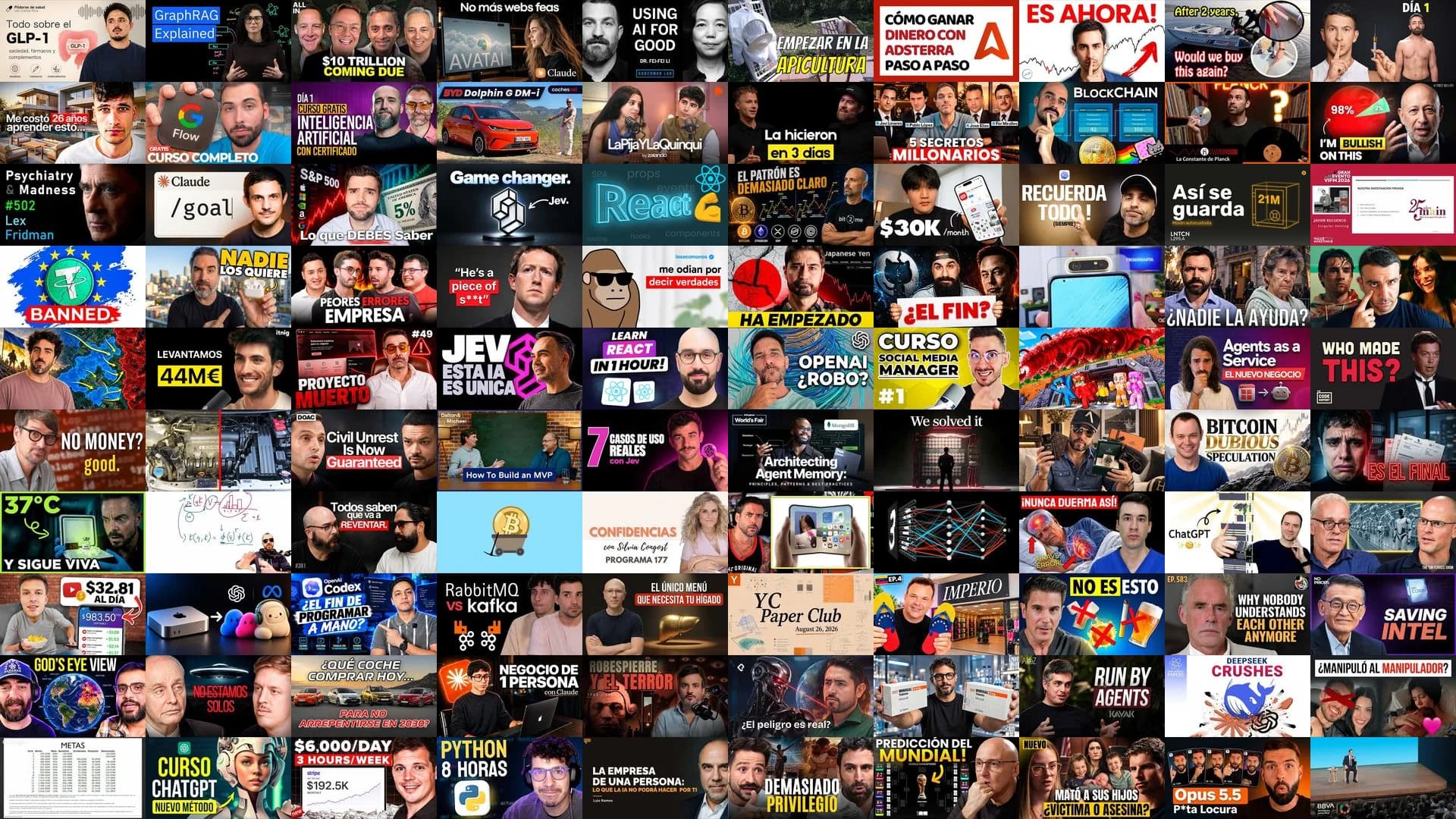
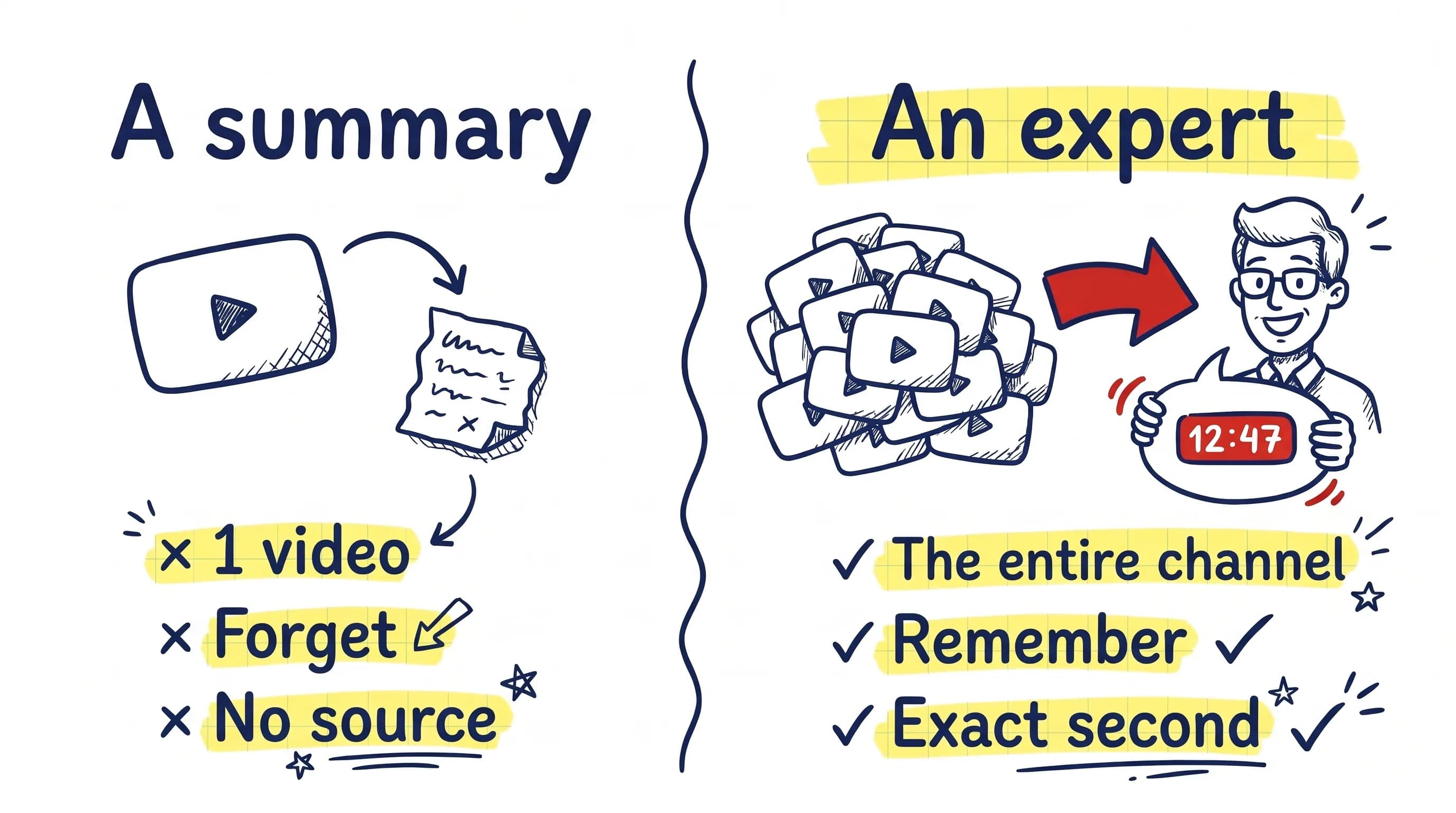
We don't summarize a single video: we train an expert on the whole channel. Ask and get the exact answer, at the exact moment, about everything that channel has ever said.
Ask Dot CSV
What is a Transformer and why did it change artificial intelligence?
A Transformer is a neural‑network architecture introduced in the paper that first described the concept of “Transformers” — a new type of network built around attention mechanisms rather than recurrence ▷ 15:41. Instead of processing sequences word‑by‑word as recurrent networks do, a Transformer can attend to all positions in the input simultaneously, which lets it learn positional information and relationships more efficiently.
The release of the Transformer caused a fundamental shift in artificial intelligence because it became the de‑facto architecture for most deep‑learning problems. After Google introduced the model, the deep‑learning landscape changed dramatically; the Transformer is now used not only for natural‑language tasks (e.g., GPT‑3’s language modelling) but also for vision tasks (Vision Transformers) and many other domains ▷ 2:01:47 ▷ 17:34. Since 2017 the Transformer has accelerated the progress of deep learning, enabling large‑scale models that can generate coherent text, translate languages, write code, and create art, thereby reshaping both academic research and real‑world applications ▷ 1:13.
Tap a timestamp: the video jumps to that second.
Ask them now, no sign-up. Tap one to open its latest analysed video: summary, chapters, infographic and chat.
 TecnonautaSAMSUNG HIZO SU MEJOR VERSIÓN!!!!!! Por culpa de Apple...
 The Wild ProjectThe Wild Project #199 ft Jesús Martín-Fdez (Neurocirujano) | ¿El alma humana está en el cerebro?
 AprendemosJuntosVan Gogh no vendió casi nada en vida y hoy es un mito | Thomas Schlesser, historiador del arte
 Date un VlogLA ODISEA: La Guerra de Troya #2
 vicesatMi Coleccion de Coches Restaurados | Actualizacion del Garaje 🔥
 QuantumFracture¿Qué Hace un Medico con Uno de los Láseres Más Potente del Mundo?
 Academia PlayLa Odisea (2026) - ANÁLISIS HISTÓRICO
 Dr. Borja BanderaEl PRIMER signo de resistencia a la insulina NO es la glucosa (6 señales que casi nadie mira)
 Arte de invertir💥Warren Buffett: “Una OPORTUNIDAD como ESTA no VOLVERÁ a Repetirse”|👉Cómo APROVECHARLA?
 Alex FidalgoEsto Es Lo Que Pasará en 5 Años con Tu Trabajo - Juanpe Navarro
 Euge OllerCómo NEGOCIAR de Manera que Siempre Acabes GANANDO ✔️
 midudevMonté mi propia nube con este pequeño servidor
 Dot CSV¿Puede la IA Generar NUEVO CONOCIMIENTO CIENTÍFICO?
 Arturo Elias Ayub¿Qué pasa con #WhatsApp y las redes sociales?
 spicy4tuna🍔McDonald’s coloca anuncios en tu pedido⚠️
 Jose ElíasUn Millonario Destroza el Negocio de 4 Emprendedores | 3X con Cafès Cornellà
 El podcast de Value SchoolPor qué Bitcoin es la mayor revolución financiera de nuestro siglo, con Leopoldo Moreno de la Cova
 Xavier MitjanaEl nuevo ChatGPT trabaja solo. ¿GPT 5.6 supera a Fable?
 CodelyTV - Redescubre la programaciónNoticias programación: La IA se escapa del Sandbox, Uncle Bob + IA, Firefox VPN gratis #CaféCodely
 ItnigDe un TFG a trabajar con el IBEX 35: la historia de Reversa | inside the fund
 LunaticoinCÓMO COMPRAR bitcoin sin KYC 🤫: todos los sistemas que tenemos en 2026
 TU DINERO NUNCA DUERME[HARRY BROWNE'S THE MONEY SHOW - 2/46 - 2004] 💰 Building a PERMANENT PORTFOLIO 💹
A summarizer tells you about one video. An expert knows everything the channel has said, remembers it and takes you to the second it was said.
| A single-video summarizer | The YouTube chat (Gemini) | TubExperto | |
|---|---|---|---|
| Remembers what you already asked | Every summary starts from scratch | Forgets when you close the video | Remembers the whole conversation |
| Knows the whole channel | One video at a time | Only the video you are watching | The whole channel, always |
| Cites the exact second with a link | Only inside that video | Does not link to the source | Direct link to the exact second |
| Compares several channels at once | One channel, one video | Not available | Panel of several experts |
| Updates with every new video | You paste each video by hand | Not available | Indexes itself |
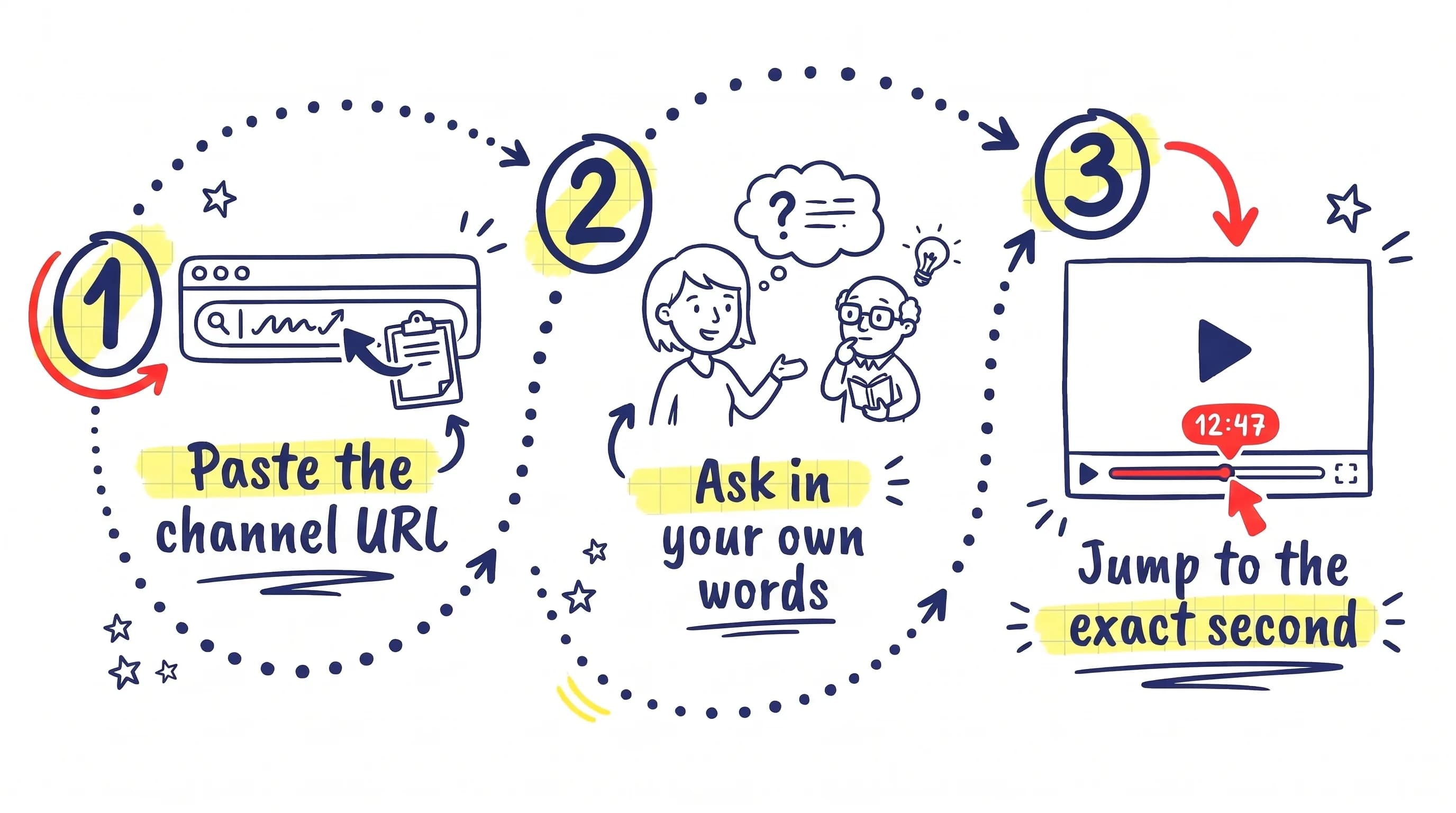
We transcribe and index all of its videos. You can close the tab: we email you when it is ready.
The expert knows the whole channel and remembers your conversations.
Every answer links to the moment in the video where it was said. If the channel never covered it, the answer is “I don’t know”.
Three ways to get the most out of a channel: ask it, study it or follow a topic.
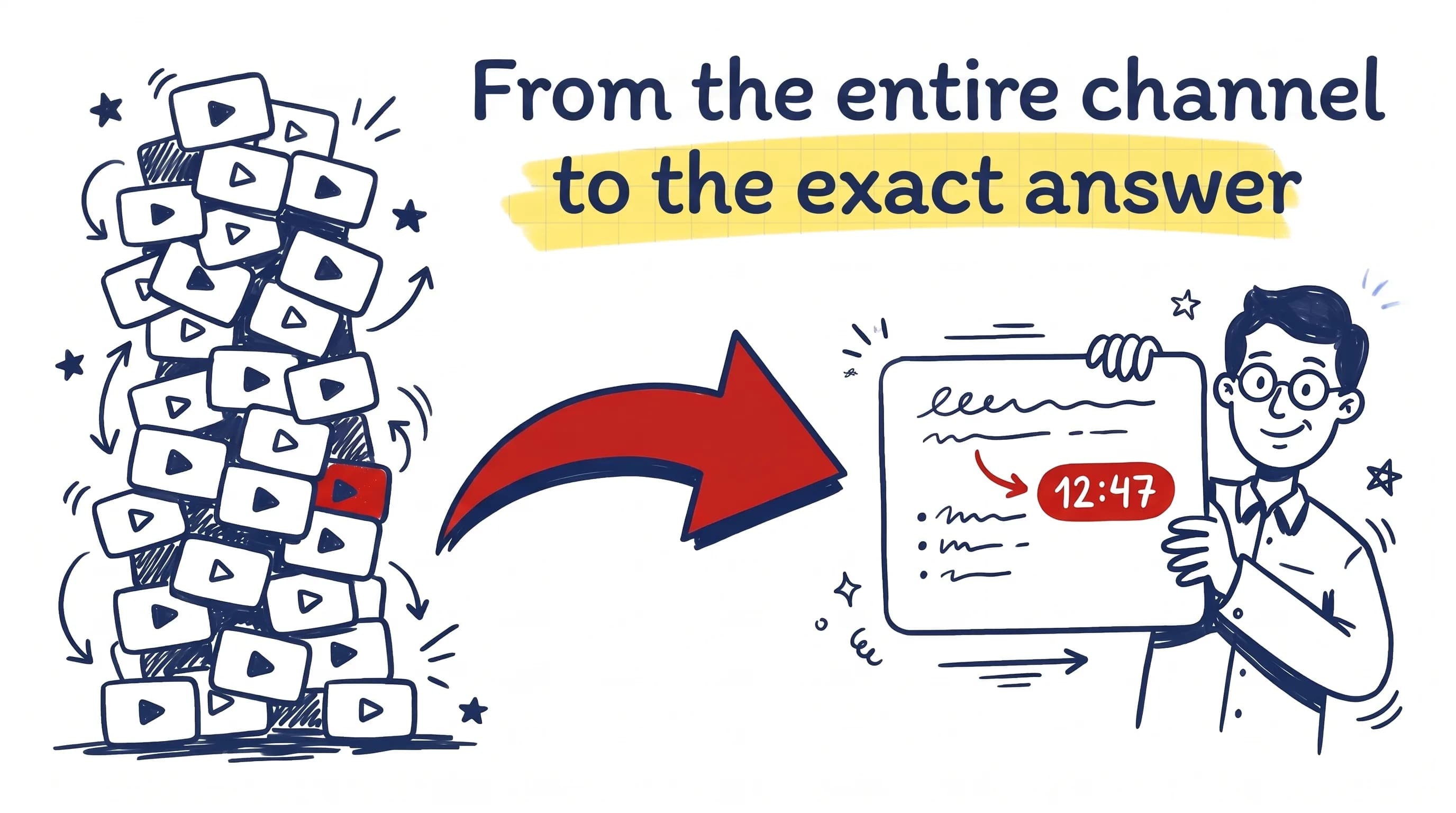
Cited answers about everything the channel has said.
Keeps the thread: it remembers what you already talked about and picks up from there.
Finds the moment even if you use different words from the video.
Compare what two or more channels say about the same thing.
Review material generated from the videos.
One summary of several videos that cover the same subject.
Navigable: open a branch and drill down into the detail.
Discover new videos on a topic and hear about what gets published next.
Write a topic and it builds a path of YouTube videos with the minute of each stretch.
Alerts you by email or Telegram about new videos that cover your topic.
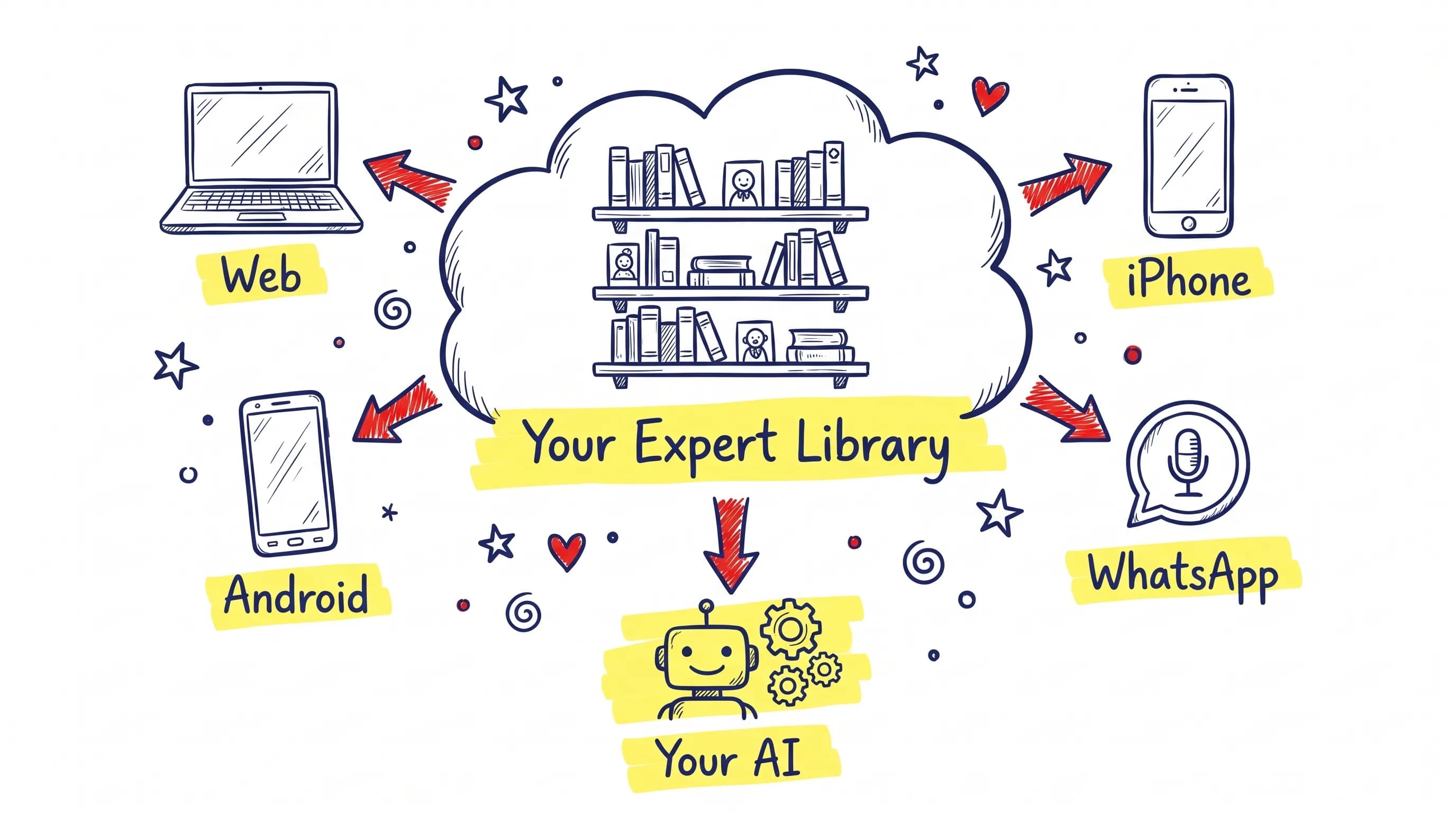
Your whole library in the browser.
The same experts and the same conversations, in your pocket.
By text. Share a video link and it adds it for you.
Ask the channel expert without leaving YouTube.
Connect your experts to the assistant you already use and ask them without leaving it.
The same knowledge, your same library, five ways to ask.
Pick the case closest to yours.
Six use cases
You follow an educational channel with hundreds of videos and cannot find where it explained exactly what you need.
Hundreds of hours of syllabus on video and an exam date that will not wait.
Your competitors publish more strategy on YouTube than you think.
You need to check what someone said across different interviews over the years.
A competitor’s video takes off and you do not know what they did differently.
You follow several experts in your field and cannot keep up with every new video.
3 free questions a week, no sign-up.
These six experts are open. Pick one and ask it anything.
Browse the catalogPioneer price: lock it in forever. The offer ends on 31 December 2026.
€0
Always available.
€9Price when paid monthly: €10.80per month
€108 a year, VAT included.
€29Price when paid monthly: €34.80per month
€348 a year, VAT included.
€78Price when paid monthly: €93.60per month
€936 a year, VAT not included. For teams of 2 or more.
Your company's shared brain
Enterprise, custom-built for larger teams: Talk to sales
Need a bit more without changing plans? Buy credits
Yes, any public channel. If it has subtitles we use them; if not, we transcribe the audio.
It depends on the number of videos. We email you when it is ready.
Every answer is anchored to a fragment of the transcript, with its timestamp. If the channel never covered it, the answer is “I don’t know”.
We only use public content, we always link to the original video, and creators can ask for their channel to be excluded. Ask to exclude my channel
Those chats answer about one single video and forget. An expert knows the whole channel, remembers and keeps itself up to date.
Yes, whenever you like. You keep your plan until the end of the period you already paid for and then move to the Explorer plan, which is free forever. Your experts are archived, not deleted.
Yes: the Explorer plan is free forever, no card needed. It includes 2 experts with all their videos, 7 questions a week and 10 welcome credits. You can also ask the catalog experts without signing up.
They stay active until the end of the period you already paid for. After that they are archived, not deleted: go back to a paid plan and you get them back at once.
Yes, a full refund within the first 7 days if you have indexed fewer than 5 videos and asked fewer than 30 questions.
Spanish and English across the whole platform. You can ask in Spanish about an English-language channel.
Yes, with TubExperto Link: connect your experts to Claude, ChatGPT, Cursor or VS Code and ask them without leaving it.