
For business

Turn the videos of your industry, your competitors and your company into answers with the source in front of you

TubExperto turns YouTube channels into AI experts you can ask. Every answer carries the video and the exact minute, so your team decides on what was really said, without watching hours of footage.

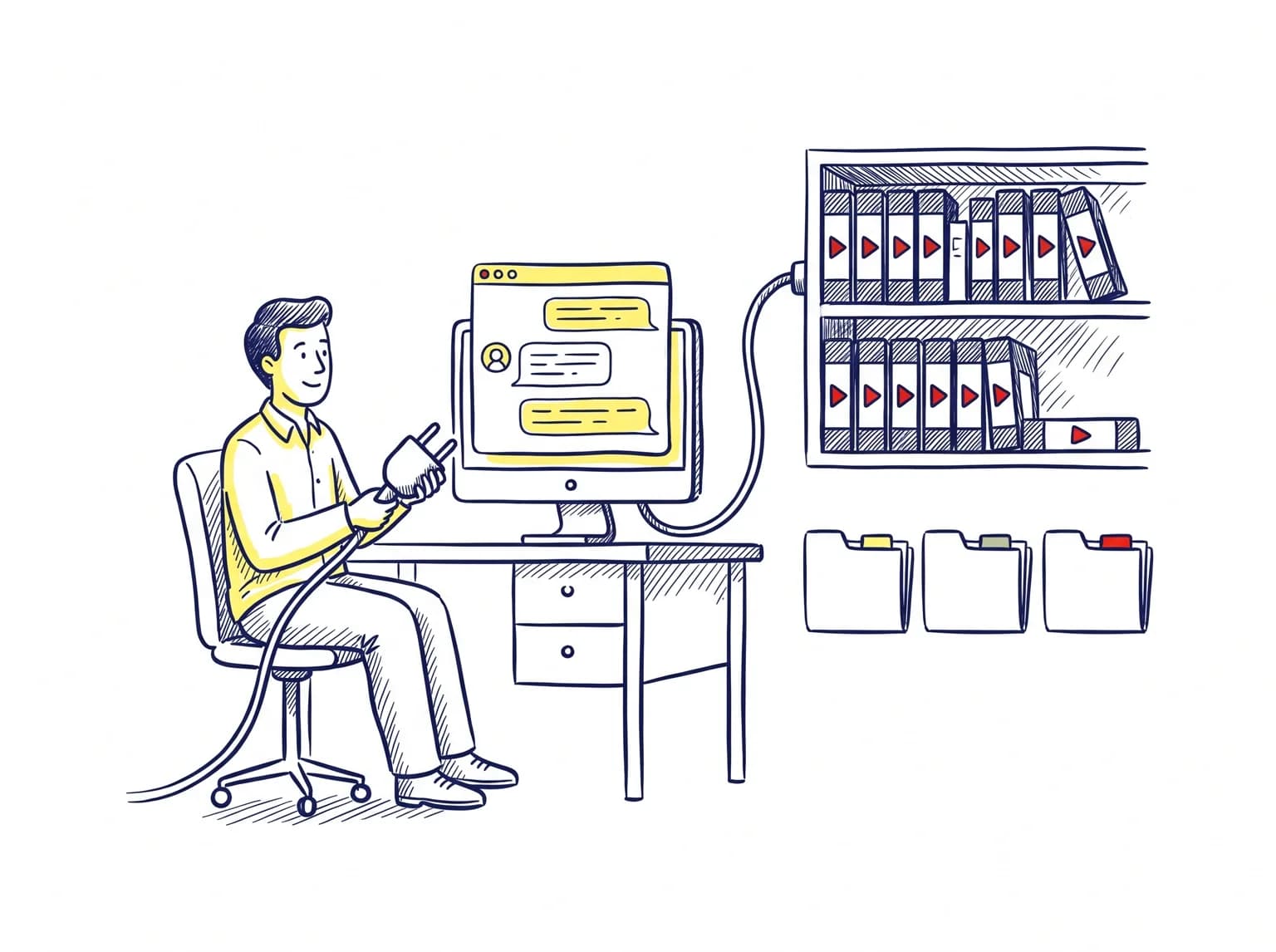
A team checks in a meeting what the channels of their industry say, with the source cited
Use cases

Six real situations inside a company

For each one: who has the problem, what they do with TubExperto and what they get.

Analysing competitor channels
Competitors

Know what your competitor says without watching their videos

The situation

You lead product or marketing and your competitor publishes demos, interviews and talks every week. Nobody has time to watch them.

What you do with TubExperto

  1. Import the competitor’s channel (or its founder’s) and it becomes an expert you can ask.
  2. Ask about positioning, pricing, the objections they acknowledge or their latest launches. Every answer cites the video and the minute.
  3. Start a research in competitor mode: describe your product and TubExperto looks for who you compete with and what YouTube says about them.

The result

An X-ray of the competitor where every claim can be checked at the exact minute, instead of second-hand summaries.


Researching a market from what its channels publish
Market

Read where your market is heading

The situation

You run strategy and need to know what the leaders of your industry think before a report picks it up.

What you do with TubExperto

  1. Gather 2 to 5 reference channels in the multi-expert chat and ask a single question.
  2. Pick the panel view (each expert with its own answer) or the synthesis: where they agree, where they differ and what each one adds.
  3. Open a research on the topic: TubExperto finds the best videos, scores them and builds a path with the key minutes.

The result

A cited map of positions, agreements and disagreements, with the list of videos worth watching and the minute to start from.

Internal training: the team asks the company videos
Internal training

Let new hires ask the company’s own videos

The situation

Your company has trainings, webinars and demos recorded on YouTube. Newcomers keep asking the same things and nobody remembers which video explained it.

What you do with TubExperto

  1. Import the company channel or videos: each one can be read as a summary, infographic, mind map or quiz.
  2. Your team asks in plain language from the web, the app or WhatsApp, and the answer carries the minute of the video.
  3. With a team on TubExperto, chats and favorites can be shared with everyone else.

The result

First-month questions get solved by going straight to the minute where it was already explained, without interrupting anyone.

A content team finding uncovered topics
Content team

Find the topics your industry has not explained well yet

The situation

You run your company’s channel or blog and struggle to find something to say that everyone has not already repeated.

What you do with TubExperto

  1. Start a research on your topic to see what is being published and which videos explain it best.
  2. Ask several channels at once and compare in the panel what they all repeat and where they disagree.
  3. Turn on the topic watch: you write the topic and TubExperto watches new videos from your channels, and if you want from channels you do not follow yet, to alert you only about what matters.

The result

A list of angles with the source in front of you: what is already well covered, what is debated and what almost nobody explains.

Preparing a sales meeting with what the client has said on video
Sales

Walk into the meeting knowing what the client has already said

The situation

You have a sales meeting and your client (or their executive) has told in interviews, talks and on their channel what worries them.

What you do with TubExperto

  1. With the browser extension, open one of their videos on YouTube and press “Make it your expert”.
  2. Read the summary and the key moments with timestamps, and ask the video anything.
  3. From your phone, paste the link into the TubExperto WhatsApp chat and ask on your way to the meeting.

The result

You arrive with their priorities, their way of speaking and literal quotes with the minute, instead of a generic pitch.

Consultancies and agencies plugging their AI into each client’s channels
Agencies and consultancies

Plug your AI into each client’s channels

The situation

Your agency or consultancy works for several clients and wants its AI assistant to know what each one publishes.

What you do with TubExperto

  1. Add the https://mcp.tubexperto.com connector to Claude, ChatGPT, Cursor or VS Code and sign in with your TubExperto account.
  2. Ask your assistant to query an expert, a panel of several or to start a research, without leaving the tool.
  3. Invite your team to work with the same library of experts, with admin and member roles.

The result

Everyone on the team queries the client’s channels from the AI they already use, and answers come with their sources, ready to paste into the deliverable.

What is included

The pieces that solve each case

Everything is available today in TubExperto.

Chat with a channel

Ask a channel and get the answer with the video and minute cited.

Multi-expert chat

One question to 2 to 5 experts, in parallel or as a synthesis.

Researches

One topic, a path of selected and scored videos, with competitor mode.

Topic watch

Watches new videos on a topic and alerts you only about the relevant ones.

Teams

Invitations, admin and member roles, and shared chats and favorites.

MCP connector

Claude, ChatGPT, Cursor and VS Code with TubExperto sign-in.

Extension

Summary, key moments and questions about the video you have open.

WhatsApp

Paste a YouTube link and ask from your phone.

Connect it to your AI

Your experts inside the AI your team already uses

TubExperto works as an MCP connector. You add it once, sign in with your account and your assistant can ask your experts, compare several or start a research.

  • Claude
  • ChatGPT
  • Cursor
  • VS Code

Connector URL

https://mcp.tubexperto.com

Access is authorized by signing in with your TubExperto account.

For teams

One library for the whole team

With the Team plan, the people in your company work in the same space instead of each on their own account.

  • Email invitations and owner, admin and member roles.
  • Chats and favorites shared with the team, or kept personal if you choose.
  • Usage visible for each member.
See the Team plan

Tell us your case and we will set it up with you

Create your account and try it with your industry’s channels, or write to us and we will define together how it fits your team.